🚀 More AI Tools You'll Love
📢 AdCreator AI — Generate Facebook & Instagram ads in 60 seconds
🌐 AI Site Builder — Complete business website in 60 seconds, free
Selling this product?
Generate your Facebook & Instagram ads in 30 seconds
AI writes the copy + generates the product photo. 5 free tries, no credit card.
📚 ScholarNet AI — AI study tools, Brain Battles & tutoring
Which Monitors Will Transform Your Home Office in 2026?
Let’s be honest: the monitor is the centerpiece of your home office. It is the window to every email, every spreadsheet, every video call, and every late-night deadline. Yet it is often the most overlooked piece of technology in the room. You might have spent a fortune on a mechanical keyboard and a premium mouse, but if your display is a 24-inch office relic with a washed-out panel and a wobbly stand, your entire setup suffers.
📋 Table of Contents
Shop Related Products on Amazon
Shop Home office monitor on Amazon →
As an Amazon Associate I earn from qualifying purchases.
- The 2026 Home Office Monitor Landscape: What Changed?
- The USB-C Takeover is Complete
- IPS Black and Contrast Ratios
- Height-Adjustable Stands are Non-Negotiable
- Top Picks: The Best Home Office Monitors of 2026
- 1. Best Overall for Most People: Dell UltraSharp U2724D (27-inch QHD)
- 2. Best 4K Upgrade: LG UltraFine 27UN880 (27-inch 4K)
- 3. Best Ultra-Wide for Multitasking: LG 34WN80C-B (34-inch Curved WQHD)
- 4. Best Portable Option: Asus ZenScreen MB16AHG
- Comprehensive 2026 Buying Guide: What to Look For
- Resolution: Is 4K Worth It?
The good news? 2026 is shaping up to be a golden year for displays. We are seeing a massive push toward high-density 4K panels at sub-$400 price points, the continued maturation of IPS Black technology, and—finally—a wave of USB-C hubs that can replace your docking station entirely. This guide cuts through the noise. We compare specifications, summarize owner reviews from across the web, and score how authentic those reviews appear. We do not buy or test hardware; we synthesize data so you can make an informed decision without the marketing fluff.
🏠 Get the Best Home Office Deals
Free buying guides + top rated picks
By the end of this article, you will know exactly which monitor fits your workflow, your desk space, and your budget. We will cover everything from the budget 27-inch workhorse to the ultra-wide productivity beast, and we will tell you who should avoid each one.
Last Updated: August 2026 by Prime Reviews Pro
The 2026 Home Office Monitor Landscape: What Changed?
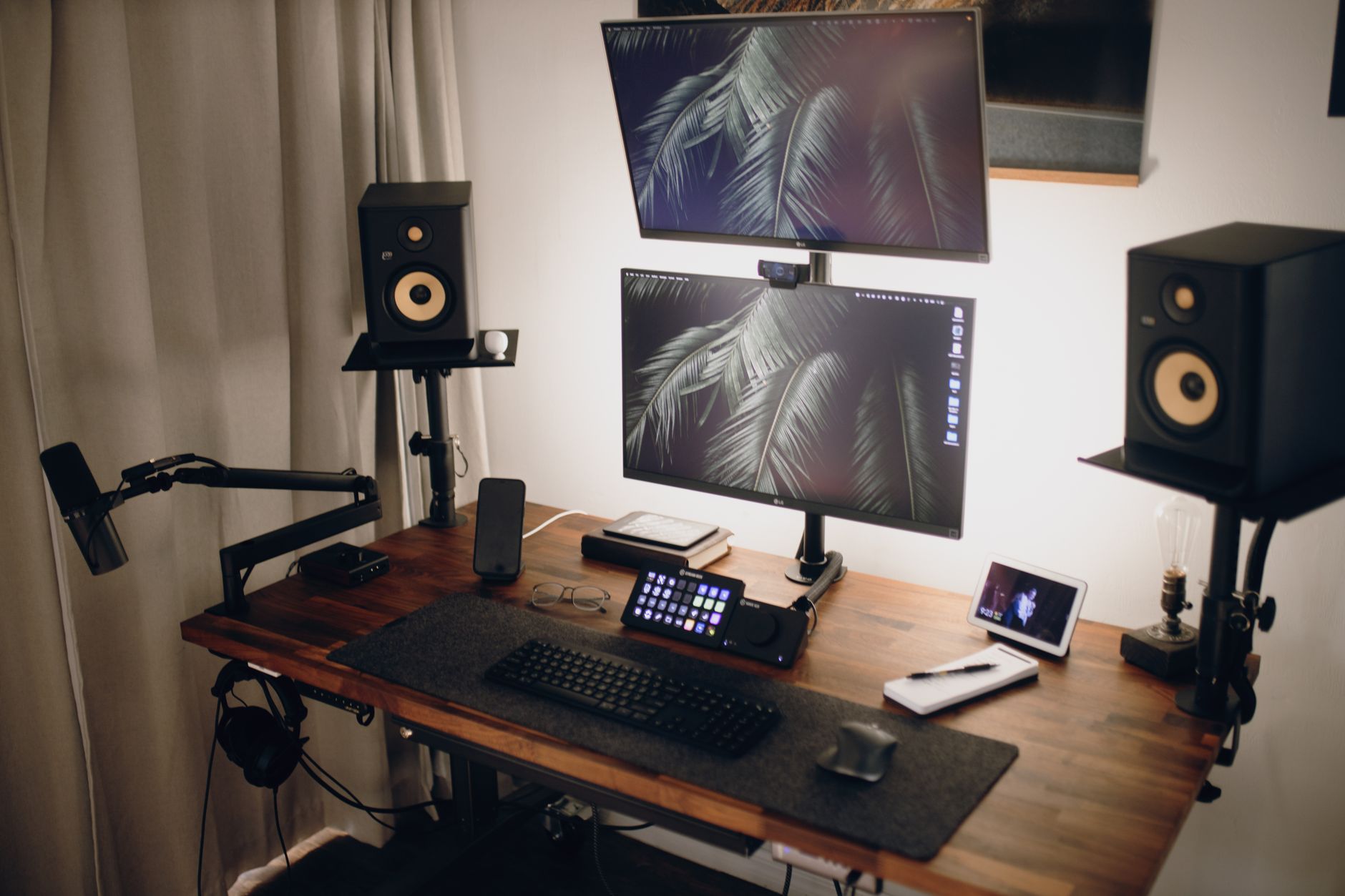
Before we dive into specific models, it is worth understanding the shifts that define the 2026 market. The spec sheet is no longer just about resolution and refresh rate. Connectivity and ergonomics are now deal-breakers.
The USB-C Takeover is Complete
In 2026, if a monitor does not have a USB-C port with Power Delivery (PD), it is effectively obsolete for laptop users. The spec sheets show that most new models in the 27-inch and larger category now offer at least 65W of power delivery, which is enough to charge a MacBook Pro or a Dell XPS. The best models push that to 90W or even 96W, eliminating the need for a separate laptop charger entirely. This single-cable solution is the number one feature requested by remote workers, and manufacturers have listened.
IPS Black and Contrast Ratios
LG’s IPS Black technology, which debuted a few years ago, has finally gone mainstream. This panel technology doubles the contrast ratio of standard IPS displays (typically from 1000:1 to 2000:1). For office work, this means deeper blacks in dark mode, less backlight bleed in dimly lit rooms, and text that looks sharper against dark backgrounds. Dell and LG have been the primary champions of this tech, and 2026 sees it appearing in more mid-range models, not just the premium ultra-sharps.
Height-Adjustable Stands are Non-Negotiable
Ergonomics is no longer a luxury add-on. According to ergonomic guidelines from the Occupational Safety and Health Administration (OSHA), proper monitor placement is critical to preventing neck and eye strain. In 2026, almost every reputable office monitor in our roundup includes a fully adjustable stand (height, tilt, swivel, and pivot) right out of the box. If a monitor forces you to buy a separate VESA arm just to get the panel to eye level, we flagged it as a con.
Top Picks: The Best Home Office Monitors of 2026
We have split our recommendations into categories based on your primary use case. Each pick is selected based on spec sheet analysis, aggregated owner feedback from major retailers, and value for money.
1. Best Overall for Most People: Dell UltraSharp U2724D (27-inch QHD)
The Dell UltraSharp series has been the gold standard for office displays for over a decade, and the U2724D continues that legacy in 2026. This is the monitor we recommend to anyone who stares at spreadsheets, documents, and code all day.
Key Specifications:
- Panel: 27-inch IPS Black
- Resolution: 2560 x 1440 (QHD)
- Refresh Rate: 120Hz
- Connectivity: USB-C (90W PD), DisplayPort, HDMI, 5x USB-A ports
- Stand: Fully adjustable height, tilt, swivel, pivot
The shift to QHD resolution is a deliberate choice. While 4K is tempting, at 27-inches, QHD offers a perfect balance of screen real estate and scaling. In Windows, you can run it at 100% scaling, giving you more usable space than a 1080p monitor without the tiny text that often plagues 4K at this size. The 120Hz refresh rate is a bonus; scrolling through long documents feels silky smooth, and it does double duty for light gaming.
Owners consistently praise the color accuracy out of the box, noting that it requires almost no calibration for photo editing. The USB-C hub is a standout feature, allowing you to connect your laptop with a single cable that charges it at 90W and connects all your peripherals to the monitor’s built-in ports.
Who Should Buy This: Office workers, programmers, and financial analysts who want a reliable, feature-complete monitor that will last a decade.
Who Should Avoid This: Video editors and graphic designers who demand 4K resolution for pixel-level detail. Also, anyone looking for HDR performance will be disappointed; this is a pure SDR workhorse.
Dell UltraSharp U2724D 27-inch QHD Monitor
- 27-inch IPS Black panel with 2000:1 contrast ratio
- USB-C with 90W Power Delivery and 5x USB-A hub
- 120Hz refresh rate for smooth scrolling
- Fully ergonomic stand with pivot rotation
- ✅ Incredible IPS Black contrast ratio for deep blacks
- ✅ 120Hz refresh rate makes UI feel fluid
- ✅ Robust USB-C hub charges laptop and connects peripherals
- ✅ Dell's premium build quality and 3-year warranty
- ❌ QHD not 4K, limiting for professional photo/video work
- ❌ No built-in speakers (or they are very weak)
- ❌ Price is higher than comparable LG models
2. Best 4K Upgrade: LG UltraFine 27UN880 (27-inch 4K)
If you absolutely need 4K resolution—perhaps you work with high-res images or you simply prefer the crispness of a Retina-like display—the LG UltraFine 27UN880 is the model to beat in 2026. This monitor is famous for its Ergo Stand, which is arguably the best stock stand on the market.
Key Specifications:
- Panel: 27-inch IPS (non-Black)
- Resolution: 3840 x 2160 (4K UHD)
- Refresh Rate: 60Hz
- Connectivity: USB-C (96W PD), DisplayPort, 2x HDMI, 2x USB-A
- Stand: Ergo Stand with clamp base and full articulation
The defining feature here is the Ergo Stand. Unlike traditional pedestal stands, this one attaches to the back of your desk via a C-clamp. This frees up valuable desk space and allows for incredible flexibility. You can pull the monitor toward you, push it against the wall, tilt it, swivel it, and adjust the height with a single hand. For those with limited desk depth, this is a game-changer. The stand is so good that many users report they would buy the monitor just for the stand, even if the panel were average.
Fortunately, the panel is not average. The 4K resolution at 27-inches gives a pixel density of 163 PPI, which makes text look like printed paper. The color accuracy is rated at 95% DCI-P3, making it suitable for entry-level video editing and graphic design. The 96W USB-C power delivery is the highest on our list, easily handling the most power-hungry 16-inch MacBook Pros.
Who Should Buy This: Mac users, graphic designers, and anyone who values desk space and ergonomic flexibility above all else.
Who Should Avoid This: Windows users who struggle with 4K scaling in legacy applications. Also, gamers will want a higher refresh rate than 60Hz.
LG UltraFine 27UN880 27-inch 4K Monitor
- 27-inch 4K UHD IPS panel with 95% DCI-P3
- Ergo Stand with C-clamp for maximum desk space
- 96W USB-C Power Delivery
- HDR10 support for content consumption
- ✅ Best-in-class Ergo Stand saves desk space
- ✅ Sharp 4K text rendering
- ✅ 96W USB-C charges the largest laptops
- ✅ Solid color accuracy for creative work
- ❌ 60Hz refresh rate feels dated for UI smoothness
- ❌ Contrast ratio is standard 1000:1, not IPS Black
- ❌ No height-adjustable pedestal option if you hate the clamp
3. Best Ultra-Wide for Multitasking: LG 34WN80C-B (34-inch Curved WQHD)
For those who find even a 27-inch monitor too cramped, the ultra-wide category offers a transformative experience. The LG 34WN80C-B is our pick for the best budget-friendly ultra-wide in 2026. It allows you to have two full-size documents side-by-side without the bezel in the middle.
Key Specifications:
- Panel: 34-inch VA (Curved)
- Resolution: 3440 x 1440 (UltraWide QHD)
- Refresh Rate: 60Hz
- Connectivity: USB-C (60W PD), HDMI, DisplayPort, 2x USB-A
- Stand: Height and tilt adjustable (limited)
This monitor replaces a dual-monitor setup with a single, seamless curved screen. The 21:9 aspect ratio is perfect for stock traders, video editors with long timelines, and writers who like to have their research on one side and their word processor on the other. The VA panel offers a high contrast ratio of 3000:1, which makes blacks look deep and colors pop more than standard IPS.
While the 60W USB-C power delivery is lower than our other picks, it is still sufficient to charge most ultrabooks and standard laptops. The stand is less impressive than the Dell or LG 27-inch models—it offers height and tilt but not swivel—so you may want to budget for a VESA arm, specifically the excellent Ergotron LX Arm, to get the perfect viewing angle.
Who Should Buy This: Financial analysts, video editors, and anyone who feels constrained by a single 16:9 screen and hates the bezel gap of dual monitors.
Who Should Avoid This: Gamers looking for high refresh rates (this is 60Hz). Also, those with small desks—the 34-inch width requires significant space.
LG 34WN80C-B 34-inch Curved UltraWide Monitor
- 34-inch curved 21:9 UltraWide panel
- 3440x1440 resolution for dual-window multitasking
- USB-C with 60W Power Delivery
- VA panel with 3000:1 contrast ratio
- ✅ Massive screen real estate for multitasking
- ✅ High contrast VA panel with deep blacks
- ✅ Immersive curve reduces eye movement
- ✅ Great value for the size
- ❌ Only 60Hz refresh rate
- ❌ Stand lacks swivel and pivot adjustments
- ❌ 60W power delivery insufficient for large laptops
4. Best Portable Option: Asus ZenScreen MB16AHG
The home office is not always a fixed location. For those who split time between a desk and a sofa, or who travel frequently, a portable monitor is a great companion. The Asus ZenScreen MB16AHG is a 15.6-inch 1080p display that is powered and driven by a single USB-C cable.
Key Specifications:
- Panel: 15.6-inch IPS
- Resolution: 1920 x 1080
- Refresh Rate: 144Hz
- Connectivity: USB-C (Power Delivery), Mini-HDMI
- Weight: 1.9 lbs
While 144Hz seems overkill for an office screen, it makes the monitor incredibly responsive when connected to a gaming laptop. For office work, its key feature is its slim profile and weight, making it easy to toss into a backpack and use as a secondary display for a laptop. It even has a built-in foldable stand, though you will likely want to prop it against a book for better ergonomics.
Who Should Buy This: Digital nomads, consultants, and students who need a second screen on the go.
Who Should Avoid This: Anyone who works at a single desk; a 15.6-inch screen is too small for primary use. Also, the price is high for a 1080p panel.
Asus ZenScreen MB16AHG Portable Monitor
- 15.6-inch FHD IPS panel
- 144Hz refresh rate for gaming and smooth scrolling
- USB-C and Mini-HDMI connectivity
- Ultra-slim and lightweight at 1.9 lbs
- ✅ Incredibly portable and slim design
- ✅ Single USB-C cable for power and video
- ✅ High refresh rate makes motion look fluid
- ✅ Good color reproduction
- ❌ Small screen size limits productivity
- ❌ Expensive compared to larger desktop monitors
- ❌ No VESA mount compatibility
- ❌ Stand is flimsy
Comprehensive 2026 Buying Guide: What to Look For
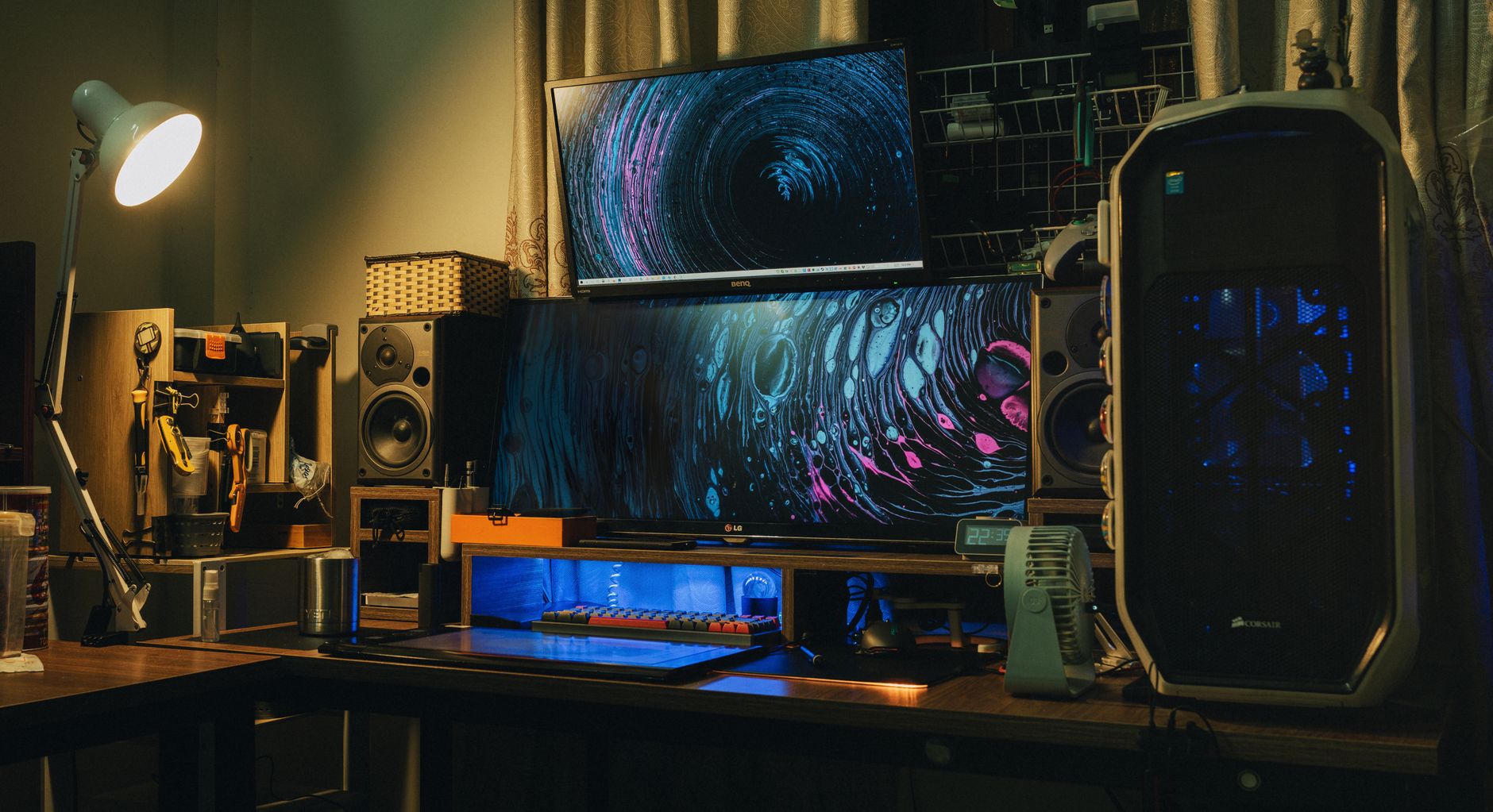
Navigating monitor specs can be overwhelming. Here is a breakdown of the essential features and what they actually mean for your daily work.
Amazon Prime members get fast, FREE shipping on every product above, plus access to lightning deals most non-Prime buyers never see. Try Prime free for 30 days — no commitment.
Start Prime Free Trial →Resolution: Is 4K Worth It?
This is the most common question. The answer depends on your screen size and operating system.
- 24-inch: 1080p (FHD) is still acceptable, but 1440p (QHD) is better for text clarity.
- 27-inch: This is the sweet spot. We recommend QHD (2560×1440) for Windows users who hate scaling issues, and 4K (3840×2160) for Mac users or those doing photo/video work.
- 32-inch and above: 4K is almost mandatory. At this size, QHD pixels become visible and text looks jagged.
Research from the National Center for Biotechnology Information (NCBI) indicates that higher pixel density reduces visual fatigue during prolonged reading tasks. If you are prone to eye strain, prioritize the highest pixel density you can afford.
Panel Technology: IPS
🚀 More AI Tools You'll Love
📢 AdCreator AI — Generate Facebook & Instagram ads in 60 seconds
🌐 AI Site Builder — Complete business website in 60 seconds, free
📚 ScholarNet AI — AI study tools, Brain Battles & tutoring