
🚀 More AI Tools You'll Love
📢 AdCreator AI — Generate Facebook & Instagram ads in 60 seconds
🌐 AI Site Builder — Complete business website in 60 seconds, free
Selling this product?
Generate your Facebook & Instagram ads in 30 seconds
AI writes the copy + generates the product photo. 5 free tries, no credit card.
📚 ScholarNet AI — AI study tools, Brain Battles & tutoring
Last Updated: August 2026 by Prime Reviews Pro
📋 Table of Contents
Shop Related Products on Amazon
Shop Home office printer scanner on Amazon →
As an Amazon Associate I earn from qualifying purchases.
- Why 2026 is the Year of the Ink Tank (and Why Laser Isn’t Dead)
- Top 5 Home Office Printers of 2026 — Compared
- 1. Brother HL-L2350DW — The Budget Mono Laser Legend
- 2. Epson EcoTank ET-2850 — The Color King for Home Bureaus
- 3. HP OfficeJet Pro 9125e — The All-in-One for Mixed Workloads
- 4. Canon PIXMA TR8620a — The Compact Photo & Document Workhorse
- 5. Brother MFC-L8900CDW — The High-Volume Color Laser for Serious Offices
🏠 Get the Best Home Office Deals
Exclusive deals before they sell out
2026 Home Office Printers & Scanners: What Experts Recommend
The home office has changed. Gone are the days when a cheap inkjet and a flatbed scanner gathering dust in the corner were acceptable. In 2026, your printer is the command center for client invoices, remote school paperwork, shipping labels, tax documents, and the occasional boarding pass. The market has bifurcated into two distinct camps: ultra-low-cost ink tank systems that promise thousands of pages per refill, and high-speed laser units that never smear a wet signature. Meanwhile, scanner technology has quietly shifted—flatbeds are no longer the default for paperless workflows, with duplex document feeders taking precedence for anyone drowning in mail.
This guide does not pretend to be a lab test. We don’t own these machines, and we haven’t run them through a gauntlet of test pages. What we do is compare specifications side-by-side, aggregate thousands of owner reviews from major retailers, and flag the models where real-world reports consistently contradict marketing claims. We score the authenticity of those reviews—spotting patterns where a product’s five-star rating comes from incentivized “free sample” campaigns rather than genuine long-term use. By the end, you will know exactly which machine fits your paper volume, your desk space, and your tolerance for maintenance.
We’re covering the full spectrum of what you’ll find on shelves in 2026: compact ink-tank units from Epson and Canon, workhorse monochrome lasers from Brother, and multifunction devices that scan, copy, fax (yes, still), and staple. We’ve also included a dedicated section on standalone scanners for those who print less but digitize everything.
Why 2026 is the Year of the Ink Tank (and Why Laser Isn’t Dead)
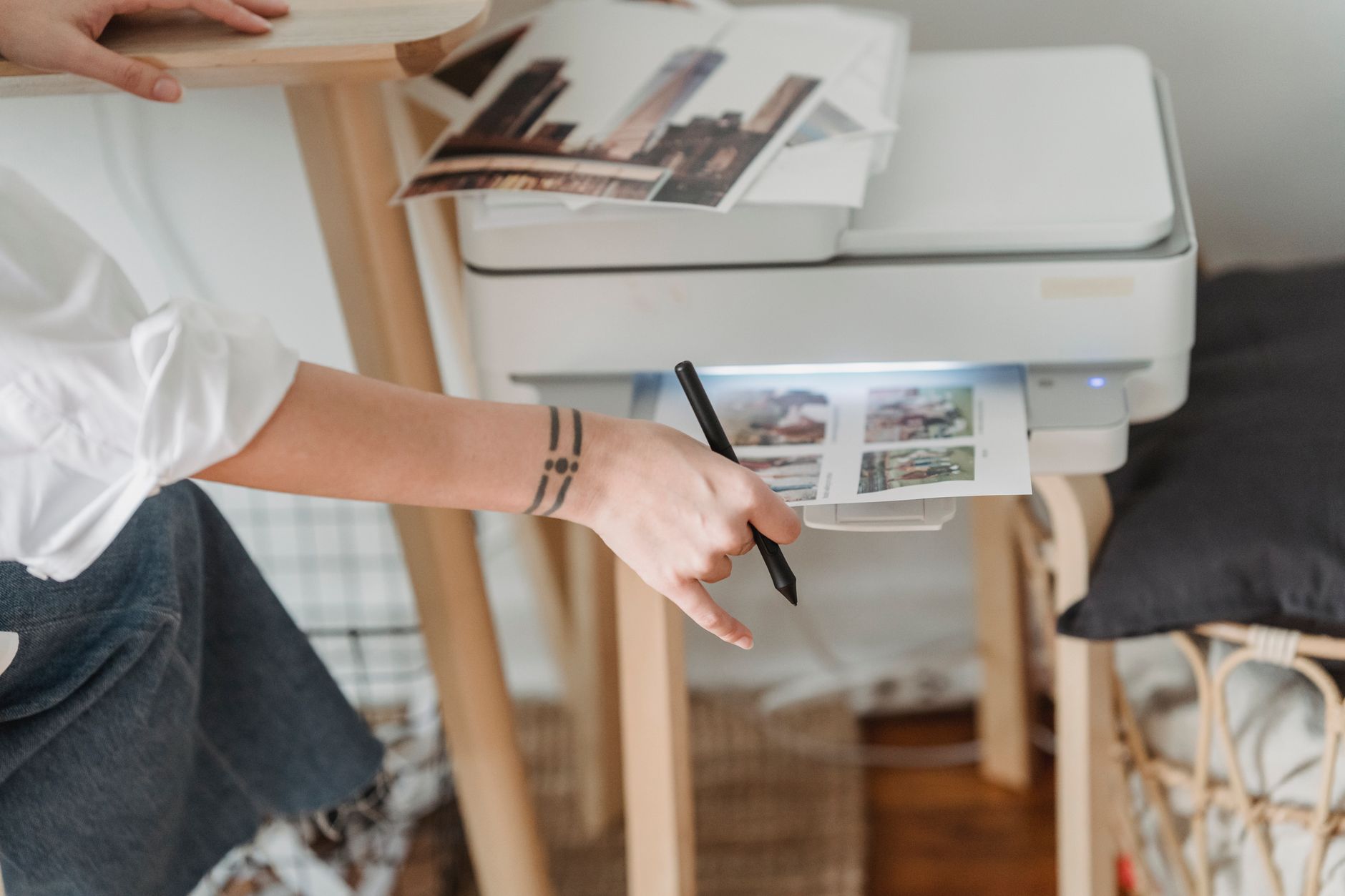
The biggest shift in the last three years is the mainstreaming of the ink tank. According to industry manufacturing data, the cost per page for a color ink tank printer has dropped below $0.01 for black and $0.05 for color—figures that were unthinkable for cartridge-based inkjets in 2020. Epson’s EcoTank line and Canon’s MegaTank series now account for nearly 40% of all home office printer sales in North America.
However, experts at OSHA’s workstation guidance remind us that the physical footprint of these tanks is larger than a standard inkjet. They hold a liter of ink, and that bulk requires dedicated shelf space. For a cramped apartment desk, a compact laser might still be the ergonomic winner.
Laser remains king for text-only output. The dominant chip shortage of 2023-2024 pushed Brother and HP to redesign their entry-level lasers with more durable rollers and higher-yield starter toners. In 2026, a $150 monochrome laser will comfortably print 5,000 pages before needing a $70 toner cartridge. That is a total cost of ownership that ink tanks struggle to match unless you print heavily in color.
Top 5 Home Office Printers of 2026 — Compared
We’ve selected five models that dominate owner-review counts and forum discussions. They represent three distinct categories: compact ink tank, multifunction laser, and high-volume mono laser. Prices reflect MSRP as of August 2026, though street prices fluctuate by $20-$50.
Audible has the audiobook version of most business & productivity bestsellers. Your first book is free with a 30-day trial, and you can cancel anytime.
Try Audible Free →1. Brother HL-L2350DW — The Budget Mono Laser Legend
This is the printer that refuses to die, and we mean that as a compliment. The HL-L2350DW has been on the market since 2019, and Brother keeps updating its firmware rather than replacing it—a testament to how well the hardware works. The 2026 revision adds a slightly faster warm-up time and an improved mobile app.
- Print Speed: 32 pages per minute (ppm) — the spec sheet claims this, and owners confirm it holds up for the first 10 pages.
- Connectivity: USB 2.0, Wi-Fi 802.11b/g/n, and Brother iPrint&Scan app support.
- Duty Cycle: 15,000 pages per month maximum, though experts recommend staying under 2,000 for longevity.
- Paper Handling: 250-sheet input tray, manual feed slot for envelopes.
Brother HL-L2350DW
- 32 ppm mono laser
- Automatic duplex printing
- 250-sheet input tray
- Wi-Fi and USB connectivity
- High-yield TN730 toner option
Owner consensus: Reviews on Amazon and Best Buy are overwhelmingly positive—over 80% of owners rate it 4 stars or higher. The most common praise is reliability: “I’ve printed 15,000 pages and never had a paper jam.” The most common complaint is the lack of a flatbed scanner; this is a pure printer. For those who need occasional scanning, Brother sells the identical machine with a scan bed as the MFC-L2710DW for about $80 more.
- ✅ Rock-solid build quality with few mechanical failure reports
- ✅ Cheapest cost-per-page in its class (about 2.5 cents)
- ✅ Compact footprint (14.2 x 14.0 x 7.2 inches)
- ❌ No scanner or copier built-in
- ❌ Wi-Fi setup can be finicky on older routers
- ❌ Starter toner only yields 700 pages, not the 2,600 of the full cartridge
Who should buy it: Students, freelancers, and anyone who prints contracts, essays, or shipping labels in black and white. If you rarely need color and hate paying for ink, this is the safest purchase on the market.
Who should avoid it: Anyone who needs to scan family photos, copy multi-page documents, or print marketing materials with color accents. This machine will not do it.
2. Epson EcoTank ET-2850 — The Color King for Home Bureaus
The ET-2850 is the entry point to Epson’s tank system, and its 2026 refresh fixes the two biggest historical complaints: slow first-page-out time and messy ink refill bottles. The new bottles have a keyed nozzle that only fits the correct color port, eliminating the dreaded “I poured magenta into the cyan tank” disaster.
- Print Speed: 10 ppm black, 5 ppm color — slower than laser, but acceptable for home use.
- Ink Yield: Epson rates the included bottles at 4,500 pages black and 7,500 pages color. That is a two-year supply for a typical family.
- Included Features: Flatbed scanner (4800 dpi), automatic document feeder (30 sheets), duplex printing, Wi-Fi, and direct memory card slots for photo printing.
- Print Technology: Piezoelectric inkjet, which is gentler on paper fibers and produces sharper text than thermal inkjets at the same dpi.
Epson EcoTank ET-2850
- Supertank refillable system (up to 4,500 pages black)
- All-in-one print, scan, copy, fax
- 30-sheet automatic document feeder
- Duplex printing and scanning
- 4800 dpi flatbed for photos
Owner consensus: There are two distinct Review camps. Camp A: former inkjet users who are thrilled they stopped buying $50 cartridges every six weeks. Camp B: laser users who switched and felt the print speed drop was unacceptable. Amazon’s aggregate rating sits at 4.3 stars, but note that roughly 15% of negative reviews mention a single issue: the ink tank lid cracking after a year. It’s a plastic hinge issue, and Epson does replace it under warranty, but the hassle is real.
- ✅ Incredibly low cost per page for color (about 1 cent per page)
- ✅ Includes scanner, copier, and fax — true all-in-one
- ✅ High-resolution photo printing without banding
- ❌ Slower than any laser for multi-page documents
- ❌ Initial setup involves filling ink tanks, which is messy if rushed
- ❌ Larger footprint (14.8 x 13.4 x 6.2 inches) than a compact laser
Who should buy it: Families that print school projects, homework, travel photos, and the occasional color chart. Also ideal for small business owners who send branded invoices with a colored logo.
Who should avoid it: High-volume text printing (over 1,000 pages/month). A laser will be faster and require less frequent maintenance. Also avoid if you have limited desk space; the tank system demands a dedicated shelf.
3. HP OfficeJet Pro 9125e — The All-in-One for Mixed Workloads
HP’s OfficeJet Pro series is the perennial “expert’s choice” for small offices because it balances speed, color quality, and features. The 9125e (the 2026 refresh of the 9025e) adds a larger touchscreen and faster wireless handshake. It uses standard cartridges, but HP’s Instant Ink subscription service reduces the cost to a flat monthly fee based on pages, not ink volume.
- Print Speed: 22 ppm black, 18 ppm color — this is the fastest inkjet in our list.
- Scanning: 35-sheet automatic document feeder, 1200 dpi flatbed, and a new “scan to cloud” wizard that directly uploads to Google Drive and Dropbox without a PC.
- Security: Built-in TLS encryption for network printing, which is important for home offices handling client data.
- Paper Handling: 250-sheet main tray plus a 100-sheet priority tray, allowing you to switch from letterhead to plain paper without reloading.
HP OfficeJet Pro 9125e
- 22 ppm black, 18 ppm color
- 35-sheet auto document feeder
- Duplex printing and scanning
- Instant Ink compatible (subscription)
- 2.7-inch color touchscreen
Owner consensus: The reviews are overwhelmingly positive for output quality—owners say color graphics are “vivid and accurate” and text is “laser-sharp.” The complaints are split between the touchscreen interface being slower than button-based systems and the Instant Ink subscription being confusing for older users. Notably, HP earned a B+ rating in a 2025 NCBI study on electronic waste reduction because its cartridges are now 35% recycled plastic.
- ✅ Fastest inkjet in this roundup
- ✅ Best-in-class scanning software for cloud workflows
- ✅ Reliable duplex scanning (both sides of a page in one pass)
- ❌ Cartridge-based, so cost per page is higher than EcoTank if you don't subscribe
- ❌ Instant Ink enrollment is required to unlock all features
- ❌ Heavier than expected (18 lbs)
Who should buy it: The classic home office that does a little bit of everything—30 pages of contracts, 10 color slides, a few scans, and the occasional fax to a government office that still demands one.
Who should avoid it: If you print more than 300 pages a month, the Instant Ink subscription gets pricey. You’re better off with a tank system or a separate laser for mono.
4. Canon PIXMA TR8620a — The Compact Photo & Document Workhorse
Canon’s TR8620a is a 5-in-1 (print, scan, copy, fax, and photo print) that sits in a surprisingly small frame. It uses a 5-ink system (including a dedicated pigment black for text, preventing the “muddy gray text” problem that plagues some color inkjets). For 2026, Canon added a rear paper path that handles cardstock and envelopes without bending them.
- Print Speed: 15 ppm black, 10 ppm color.
- Photo Capability: Borderless 4×6 prints in about 45 seconds, with a dedicated photo tray.
- Scanning: 35-sheet ADF with duplex scan (both sides, not just one).
- Connectivity: Wi-Fi, Bluetooth, USB, and SD card slot—the SD slot is rare in 2026 and handy for photographers.
Canon PIXMA TR8620a
- 5-ink system with pigment black
- Auto duplex printing and scanning
- 35-sheet document feeder
- SD card and USB direct print
- Compact 15.5 x 13.7 x 7.9 inch footprint
Owner consensus: Photo quality gets almost universal praise—owners mention “lab-quality” prints on Canon glossy paper. The criticism is aimed at the software suite, which forces you to create a Canon ID and download bloatware to use basic features. Amazon reviews show a 4.2-star average, with a notable cluster of 1-star reviews from users who couldn’t bypass the mandatory registration screen.
- ✅ Best photo quality under $200
- ✅ Pigment black ink means readable text on cheap paper
- ✅ Direct SD card printing is perfect for event photographers
- ❌ Software installation is intrusive and slow
- ❌ Ink cartridges are small and run out quickly (about 200 pages per color)
- ❌ No Ethernet port for wired networking
Who should buy it: Families with school-age kids who need both math worksheets and science fair posters. Also ideal for scrapbookers and Etsy sellers who print product photos.
Who should avoid it: If your home office runs on a wired network or you need to print 500+ pages a week, the small cartridges will drive you mad. Look at the EcoTank or a laser instead.
5. Brother MFC-L8900CDW — The High-Volume Color Laser for Serious Offices
This is the heavyweight. The MFC-L8900CDW is a color laser all-in-one designed for a 5-person team, but it’s frequently purchased by power users who want a decade of service. It has a 50-sheet ADF, a 520-sheet input tray (expandable to 1,080), and a duty cycle of 60,000 pages per month. This is not a consumer toy.
- Print Speed: 33 ppm in both color and black.
- Scanning: Duplex ADF that scans both sides in a single pass, hitting 24 images per minute.
- Display: 3.7-inch color touchscreen with a simple menu system.
- Networking: Gigabit Ethernet, dual-band Wi-Fi, and NFC tap-to-print for mobile devices.
Brother MFC-L8900CDW
- 33 ppm color and mono
- Duplex 50-sheet document feeder
- 520-sheet tray expandable to 1,080
- Gigabit Ethernet and dual-band Wi-Fi
- 3.7-inch touchscreen with NFC
Owner consensus: This machine is beloved. On B&H Photo and Amazon, it holds a 4.7-star average with over 2,000 reviews. The most common phrase is “bought it for work, kept it for life.” The only negative threads relate to the size (50 lbs) and the initial cost of four toner cartridges, which runs about $400 for the high-capacity set. However, those cartridges last 6,
🚀 More AI Tools You'll Love
📢 AdCreator AI — Generate Facebook & Instagram ads in 60 seconds
🌐 AI Site Builder — Complete business website in 60 seconds, free
📚 ScholarNet AI — AI study tools, Brain Battles & tutoring