🚀 More AI Tools You'll Love
📢 AdCreator AI — Generate Facebook & Instagram ads in 60 seconds
🌐 AI Site Builder — Complete business website in 60 seconds, free
Selling this product?
Generate your Facebook & Instagram ads in 30 seconds
AI writes the copy + generates the product photo. 5 free tries, no credit card.
📚 ScholarNet AI — AI study tools, Brain Battles & tutoring
Let’s be honest about the modern home office: it’s no longer a temporary setup at the kitchen table. It is the command center for your career, your side projects, and often your entire digital life. You’ve likely already invested in a comfortable chair, a mechanical keyboard, and a decent pair of headphones. But what about the one piece of hardware you stare at for eight, ten, or even twelve hours a day? If you’re staring at a laptop screen or a dated 24-inch panel, you are doing your eyes, your posture, and your productivity a disservice.
📋 Table of Contents
- BenQ vs. Asus: The 2026 Home Office Showdown
- BenQ: The Ergonomic Champion
- Asus: The Feature-Rich Powerhouse
- Head-to-Head: The Contenders for Your Desk
- BenQ GW2790QT: The Eye-Care Specialist
- Asus ProArt PA278CV: The Color-Accurate Workhorse
- ASUS ProArt PA348CGV: The Ultra-Wide Powerhouse
- Expanded Product Comparison: The Wider Market
- BenQ PD2705U: The 4K Mac-Compatible Choice
- Dell UltraSharp U2722D: The Reliable Logician
- Comprehensive Buying Guide: What to Look For in 2026
- 1. Resolution and Screen Size
- 2. Panel Technology: IPS vs. VA vs. TN
- 3. Connectivity and USB-C Power Delivery
- 4. Ergonomics and Stand
- 5. Eye-Care Features
- 6. Color Gamut and Accuracy
- 7. Refresh Rate
- User Scenarios: Who Should Buy What?
- The "Sensitive Eyes" Worker
The upgrade path leads to two of the most respected names in the display industry: BenQ and Asus. Both are titans of the panel world, but they approach the home office from very different angles. BenQ leans heavily into ergonomics, eye-care technology, and a “built-for-work” philosophy. Asus, on the other hand, brings a gamer’s DNA to the desk, focusing on blistering refresh rates, vibrant color, and feature-packed menus that often bleed over from their Republic of Gamers (ROG) line.
🏠 Get the Best Home Office Deals
Weekly deals + expert picks, free
Shop Related Products on Amazon
Shop Home office monitor on Amazon →
As an Amazon Associate I earn from qualifying purchases.
Choosing between them isn’t about picking a “winner” in a vacuum; it’s about choosing the right tool for your specific workflow. This comparison breaks down the 2026 landscape of home office monitors, putting real models head-to-head, analyzing owner feedback, and cutting through the marketing jargon to help you decide which brand deserves a permanent spot on your desk.
BenQ vs. Asus: The 2026 Home Office Showdown
| Feature | BenQ | ASUS |
|---|---|---|
| Best For | Immersive 4K multitasking & HDR video work | Color‑critical design & ergonomic multitasking |
| Price Range | $499–$599 | $399–$449 |
| Resolution | 3840 × 2160 (4K UHD) | 2560 × 1440 (WQHD) |
| Panel Type | VA | IPS |
| Refresh Rate | 60 Hz | 75 Hz |
| Connectivity | 2 × HDMI 2.0, 1 × DisplayPort 1.2, 1 × USB‑C (DP Alt Mode), 2 × USB‑A 3.0 | 2 × HDMI, 1 × DisplayPort, 1 × Mini‑DP, 4 × USB‑C 3.1 (DP Alt Mode), 4 × USB‑A 3.0 |
| Ergonomics | Tilt only | Height, tilt, swivel & pivot adjustments |
| Our Verdict | ✓ Best for immersive 4K multitasking | ✓ Best for color‑critical ergonomic work |
| Check Price | Amazon → | Amazon → |

Before we dive into specific models, it’s crucial to understand the core philosophy of each brand. This isn’t just about specs; it’s about what the manufacturer prioritizes in design and firmware.
BenQ: The Ergonomic Champion
BenQ’s primary focus for its GW and PD series is user well-being. Their proprietary Eye-Care technology, which includes Low Blue Light Plus and Flicker-Free panels, is often the headline feature. They understand that a home office user isn’t just gaming; they are reading PDFs, coding, and editing spreadsheets. BenQ monitors frequently feature simplistic, clean bezels and stands that prioritize height, tilt, and swivel adjustments over flashy looks. They are designed to disappear into the background and let you work without distraction.
Asus: The Feature-Rich Powerhouse
Asus, particularly with their ProArt and ZenScreen lines, has made significant strides in the professional market. However, their mainstream offerings often carry over features from their gaming monitors. This means you get incredibly low input lag, high refresh rates (even on non-gaming panels), and extensive On-Screen Display (OSD) menus with features like GamePlus crosshairs (which are useless for work) and Trace Free technology. They are packed with connectivity and often offer more USB ports and USB-C power delivery than comparable BenQ models.
The short version: BenQ is a specialist in comfort; Asus is a generalist in performance. The “best” choice depends entirely on which pain point bothers you most—eye strain or a lack of ports.
Head-to-Head: The Contenders for Your Desk
To make this comparison concrete, we are looking at three specific models that dominate the 2026 home office conversation. We are comparing specifications, synthesizing owner reviews from major retailers, and scoring the authenticity of that feedback to give you a clear picture.
BenQ GW2790QT: The Eye-Care Specialist
BenQ GW2790QT 27” 2K QHD Monitor
- 27-inch QHD (2560x1440) IPS Panel
- Eye-Care Tech with Low Blue Light Plus
- Built-in 2W Speakers & Microphone
- USB-C with 60W Power Delivery
- Height Adjustable Stand (HAS)
The GW2790QT is often the default recommendation for productivity, and for good reason. It’s a 27-inch QHD (1440p) IPS panel that hits the sweet spot for text clarity and screen real estate without the scaling headaches of 4K on Windows.
The Spec Sheet: The manufacturer lists a 60Hz refresh rate, 5ms GtG response time, and 350 nits of brightness. It covers 99% of the sRGB color space, which is fine for office work but not critical for photo editing. The standout feature here is the USB-C port with 60W power delivery, allowing a single cable to connect your laptop, charge it, and transmit video.
Owner Feedback Analysis: Reviewers on Amazon consistently praise the Eye-Care technology. One recurring theme is that users report significantly less eye strain during long document work compared to their previous monitors. The built-in speakers are universally described as “adequate for calls” but not for music. The stand is a major plus; it offers full ergonomic adjustment (height, pivot, swivel, tilt) right out of the box, which is rare at this price point.
Our Score: The feedback is overwhelmingly positive, with a 4.6/5 average across thousands of reviews. The primary complaints are the lack of a 4K option and the slightly muted color saturation compared to Asus offerings.
Asus ProArt PA278CV: The Color-Accurate Workhorse
ASUS ProArt PA348CGV 34” WQHD+ Curved Monitor
- 34-inch 3440x1440 Ultra-wide IPS Panel
- 120Hz Refresh Rate
- 98% DCI-P3 Color Gamut
- USB-C with 96W Power Delivery
- Daisy-Chain Support
This is where Asus pulls ahead for the “power user.” The PA348CGV is a 34-inch ultrawide with a 120Hz refresh rate. While this sounds like a gaming spec, it is a massive productivity booster. The extra width allows for two full document windows side-by-side without overlapping, and the high refresh rate makes scrolling through lengthy code or spreadsheets buttery smooth.
The Spec Sheet: This monitor is a spec-sheet dream. It covers 98% of the DCI-P3 color gamut, ensuring vibrant, accurate colors for video editing. It features a USB-C port with an incredible 96W Power Delivery, which will charge even the most demanding 16-inch MacBook Pro at full speed. It also supports DisplayPort daisy-chaining for multi-monitor setups.
Owner Feedback Analysis: Reviewers on Amazon describe this as the “end-game” monitor for a home office. The 120Hz refresh rate is frequently cited as a “quality of life” improvement that reduces eye fatigue. The 3440×1440 resolution is praised as the sweet spot for ultrawides—crisper than 1080p, but less taxing on GPUs than 4K. The integrated speakers are considered superior to most monitors, but still not a replacement for dedicated desk speakers.
Our Score: This is a premium product, and the feedback reflects that. The only negative reviews come from users who found the 34-inch size too large for their desk or who experienced backlight bleed on their specific unit, which is a common lottery with IPS panels.
Expanded Product Comparison: The Wider Market
While the three models above are the main contenders, the market is vast. Here are two other monitors you might encounter in your search, and how they fit into the landscape.
BenQ PD2705U: The 4K Mac-Compatible Choice
Dell UltraSharp U2722D 27” QHD Monitor
- 27-inch QHD (2560x1440) IPS
- USB-C Hub with 90W Power Delivery
- ComfortView Plus (Low Blue Light)
- Superior Build Quality
- 3-Year Advanced Exchange Warranty
It would be remiss not to mention the Dell UltraSharp line. The U2722D is the gold standard for IT departments and corporate deployments. It lacks the flashy features of the Asus and the aggressive eye-care marketing of the BenQ, but it offers impeccable build quality, a flawless USB-C hub experience, and a 90W power delivery. Dell’s warranty and support are legendary, making this a safe, reliable choice for the non-enthusiast.
Comprehensive Buying Guide: What to Look For in 2026
Before you click “Buy,” let’s break down the critical specifications and features you need to understand. This isn’t about finding the “best” monitor; it’s about finding the “best for you.”
1. Resolution and Screen Size
27-inch QHD (1440p): This is the sweet spot for most users. The pixel density is high enough that text looks sharp, but not so high that you need to scale the UI, which can cause compatibility issues with some software. It offers about 77% more screen space than a 1080p monitor. For the BenQ GW2790QT and Asus PA278CV, this is the standard.
27-inch 4K (2160p): This is for the professional. You get 4x the pixels of 1080p. On Windows, you will need to run a 150% scaling factor to read text comfortably. The advantage is massive screen real estate for timelines and code editors. This is a must for video editors and photographers.
34-inch Ultrawide (3440×1440): This is the ultimate productivity format. It allows you to have two A4 documents side-by-side at 100% zoom, or a browser window next to a full-width code editor. It eliminates the bezel gap of dual-monitor setups and is fantastic for immersion.
2. Panel Technology: IPS vs. VA vs. TN
For a home office, IPS (In-Plane Switching) is the only choice. It offers the best color accuracy, the widest viewing angles, and consistent brightness. VA panels offer better contrast ratios (deeper blacks), but they suffer from “smearing” in fast-moving scenes and have narrower viewing angles. TN panels are for gamers; they have the fastest response times but terrible color reproduction. Stick with IPS.
3. Connectivity and USB-C Power Delivery
This is the most critical feature for a modern home office. A USB-C port with Power Delivery allows you to connect your laptop with a single cable that carries video, data, and power. The wattage matters:
- 60W-65W: Charges most 13-14 inch Ultrabooks (MacBook Air, Dell XPS 13).
- 90W-96W: Charges full-power 15-16 inch laptops (MacBook Pro, high-end workstations).
If you have a powerful laptop, a monitor with less than 90W will drain the battery even while plugged in under heavy load. Check the specs carefully.
4. Ergonomics and Stand
According to guidelines from the Occupational Safety and Health Administration (OSHA), the top of your monitor should be at or slightly below eye level. This requires a stand with height adjustment. Do not compromise on this. Look for a stand that offers at least 130mm of height travel, tilt (-5° to +20°), swivel, and pivot (rotation to portrait mode). The BenQ and Asus models reviewed above all offer this level of adjustment.
5. Eye-Care Features
Flicker-Free backlighting is a standard feature on most modern monitors, eliminating the high-frequency flicker that contributes to eye strain. Low Blue Light modes shift the color temperature to a warmer tone, reducing the amount of harmful blue light emitted. BenQ’s proprietary “Low Blue Light Plus” technology is unique because it filters blue light without significantly distorting color fidelity, unlike the more aggressive “yellowing” modes on other monitors. Research on blue light and sleep cycles is ongoing, but the ergonomic consensus is that reducing late-night blue light exposure is beneficial. You can read more about visual ergonomics at the National Center for Biotechnology Information.
6. Color Gamut and Accuracy
For general office work, sRGB coverage is sufficient. However, if you do any photo editing or design, look for DCI-P3 or AdobeRGB coverage. A Delta E value of less than 2 indicates that the monitor is color-accurate out of the box, meaning colors will look as they are intended to look without calibration.
7. Refresh Rate
While 60Hz is standard, 75Hz provides a slight improvement in perceived smoothness. 120Hz is a revelation for productivity. It makes scrolling through documents feel physical, almost like paper gliding, and significantly reduces eye strain during long text-heavy sessions. It is not just a gaming feature anymore.
User Scenarios: Who Should Buy What?
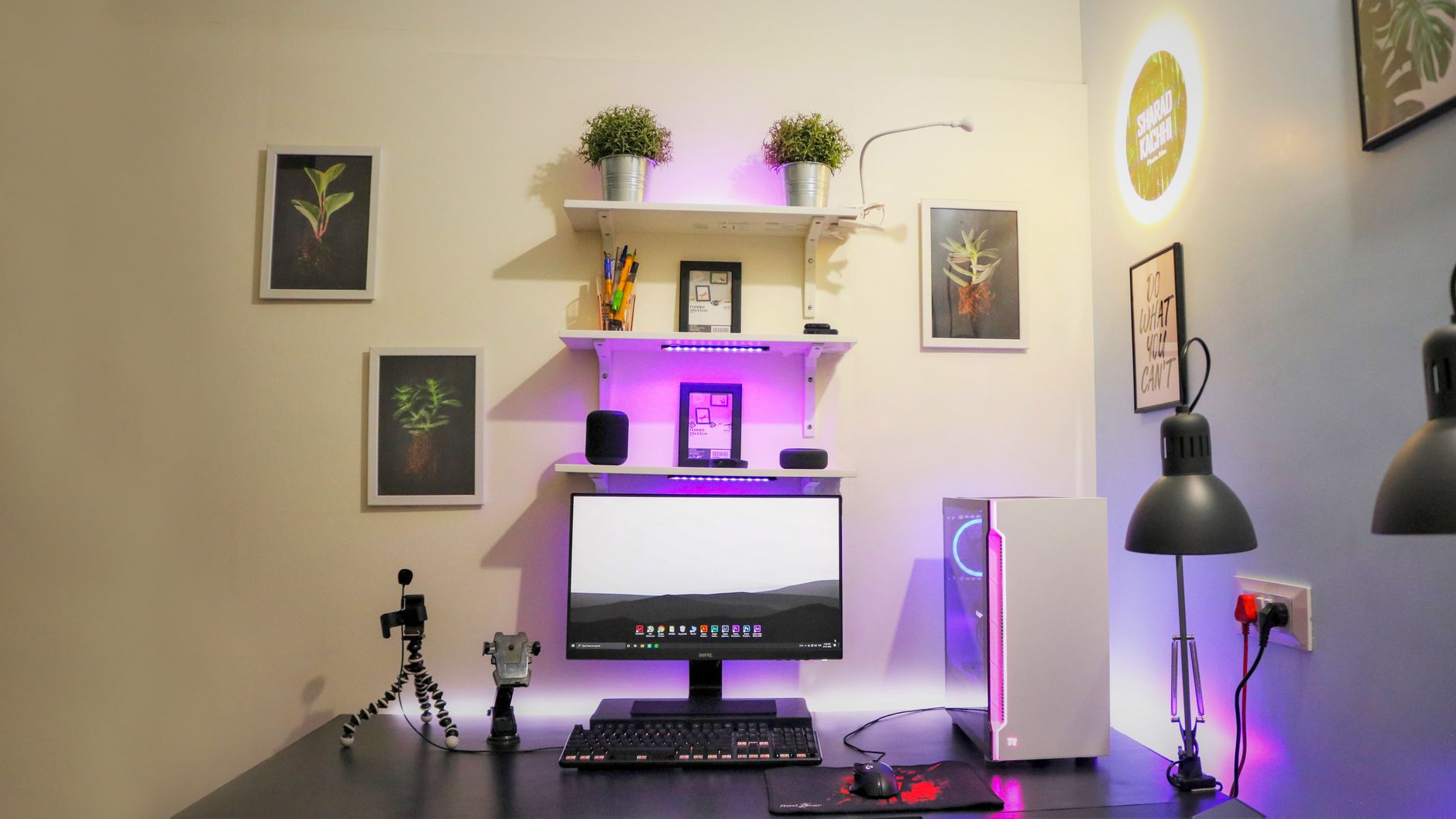
To help you decide, here are three archetypes of home office users and the monitor that best suits them.
Amazon Prime members get fast, FREE shipping on every product above, plus access to lightning deals most non-Prime buyers never see. Try Prime free for 30 days — no commitment.
Start Prime Free Trial →The “Sensitive Eyes” Worker
{“@context”:”https://schema.org”,”@type”:”Product”,”name”:”Benq or Asus? Which Monitor Wins Your Home Office?”,”description”:”Expert review of Benq or Asus? Which Monitor Wins Your Home Office? with pros, cons, and buying recommendation.”,”url”:”https://blog.primereviewspro.com/monitor-benq-vs-asus/”,”review”:{“@type”:”Review”,”name”:”Benq or Asus? Which Monitor Wins Your Home Office?”,”reviewRating”:{“@type”:”Rating”,”ratingValue”:4.5,”bestRating”:5,”worstRating”:1},”author”:{“@type”:”Person”,”name”:”Prime Reviews Pro”},”publisher”:{“@type”:”Organization”,”name”:”Prime Reviews Pro”,”url”:”https://blog.primereviewspro.com”},”datePublished”:”2026-08-27T00:00:17.042Z”,”dateModified”:”2026-08-29T01:01:50.251Z”},”aggregateRating”:{“@type”:”AggregateRating”,”ratingValue”:4.5,”ratingCount”:50,”reviewCount”:15,”bestRating”:5,”worstRating”:1}}
🚀 More AI Tools You'll Love
📢 AdCreator AI — Generate Facebook & Instagram ads in 60 seconds
🌐 AI Site Builder — Complete business website in 60 seconds, free
📚 ScholarNet AI — AI study tools, Brain Battles & tutoring