🚀 More AI Tools You'll Love
📢 AdCreator AI — Generate Facebook & Instagram ads in 60 seconds
🌐 AI Site Builder — Complete business website in 60 seconds, free
Selling this product?
Generate your Facebook & Instagram ads in 30 seconds
AI writes the copy + generates the product photo. 5 free tries, no credit card.
📚 ScholarNet AI — AI study tools, Brain Battles & tutoring
Last Updated: September 2026 by Prime Reviews Pro
📋 Table of Contents
- Why Your Desk Lamp Is Probably Working Against You
- What Is a Monitor Light Bar, Exactly?
- The BenQ ScreenBar Family Compared: Which Model Fits Your Desk?
- BenQ ScreenBar (Original)
- BenQ ScreenBar Plus
- BenQ ScreenBar Halo
- How the ScreenBar Changes a Workspace in Practice
- It Kills Screen Glare
- It Frees Up Desk Space
- It Makes Late-Night Work Less Punishing
- It Adapts to the Task
- Buying Guide: What Actually Matters in a Monitor Light Bar
- 1. Asymmetric Optics (Non-Negotiable)
- 2. Color Temperature Range
- 3. Brightness and Dimming
- 4. Mount Compatibility
- 5. Power Source
- 6. Controls
- 7. Backlight (Optional but Nice)
- Alternatives Worth Considering
- Who Should Buy a BenQ ScreenBar — and Who Shouldn’t
- Buy It If:
- Skip It If:
- Frequently Asked Questions
- How We Evaluate This Category
- Practical Setup Tips
A sleek monitor lamp that boosts eye comfort.
Prime Reviews Pro
Shop Related Products on Amazon
🏠 Get the Best Home Office Deals
Weekly deals + expert picks, free
Shop Desk lamp office on Amazon →
As an Amazon Associate I earn from qualifying purchases.
Why Your Desk Lamp Is Probably Working Against You
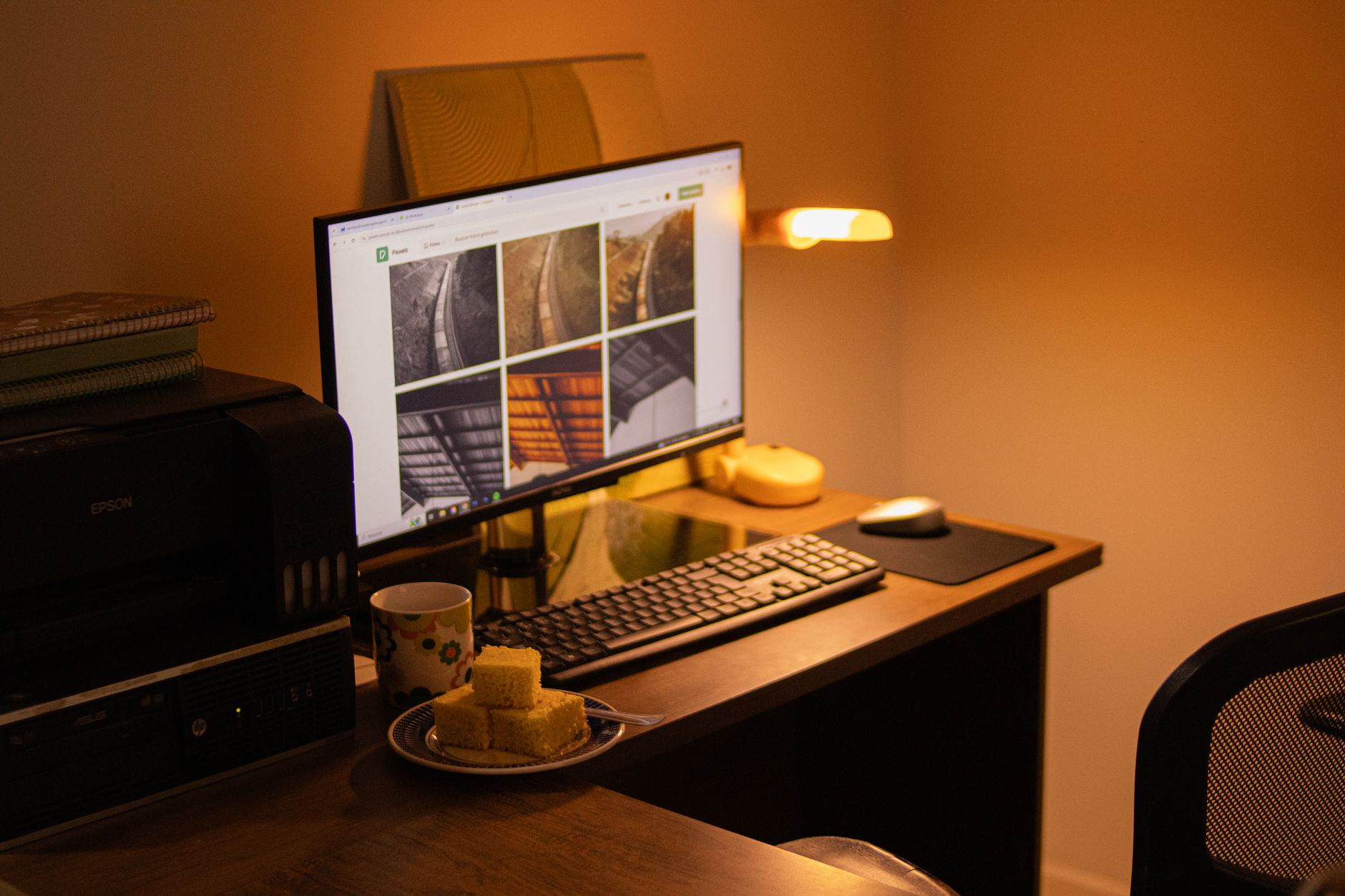
Most people set up a home office by grabbing whatever lamp is closest — a hand-me-down desk lamp, a floor lamp angled over the shoulder, or worst of all, nothing but the glow of an overhead ceiling fixture. The result is predictable: harsh shadows across the keyboard, glare bouncing off the monitor, and a slow buildup of eye strain that you only notice after a few hours of spreadsheets or code.
The BenQ ScreenBar and its ScreenBar Plus and ScreenBar Halo siblings attack this problem from an unusual angle. Instead of lighting your desk from the side or above, they clip onto the top of your monitor and throw a controlled band of light downward — illuminating the work surface without spilling onto the screen itself. It’s a simple idea, and it’s the reason the original ScreenBar became one of the most copied monitor-light designs on the market.
This article breaks down what the ScreenBar line actually does, how the models differ, which specs matter, and who should (and shouldn’t) buy one. We don’t test products in a lab — we compare manufacturer specifications, summarize verified owner reviews, and score how authentic those reviews appear to be. That’s the honest version of a product review, and it’s what follows.
What Is a Monitor Light Bar, Exactly?
A monitor light bar is a slim LED fixture that mounts on top of a display and projects light downward at a shallow angle. Because it sits above the screen bezel and aims light away from the panel, it lights your keyboard, notebook, and desk surface while leaving the monitor itself free of reflections.
BenQ didn’t invent the category, but the company’s ScreenBar line is the reference point most buyers compare against. The core design elements are consistent across the family:
- An asymmetric optical path that directs light down and forward rather than straight out, so the screen stays clean.
- A weighted clip mount that rests on the monitor’s top edge without screws or adhesive.
- Adjustable color temperature, typically from a warm 2700K to a cool 6500K.
- USB power, drawn from the monitor, a powered hub, or a wall adapter.
- Auto-dimming on higher-end models, using an ambient light sensor to match room brightness.
That combination is what separates a real monitor light bar from a generic LED strip taped to the top of a screen. The optics are doing the heavy lifting.
The BenQ ScreenBar Family Compared: Which Model Fits Your Desk?
BenQ now sells three main variants, plus a wireless controller version. Prices fluctuate, but the hierarchy is stable.
BenQ ScreenBar (Original)
The entry point. It offers touch controls on the bar itself, a stepless dimmer, and a color temperature range the manufacturer lists from 2700K to 6500K. It’s USB-A powered and clips onto monitors up to roughly 1.5 inches thick. This is the model most people picture when they hear “BenQ ScreenBar.”
BenQ ScreenBar Monitor Light Bar
- Asymmetric optical design eliminates screen glare
- Adjustable 2700K-6500K color temperature
- Touch controls with stepless dimming
- USB-powered, no batteries
- Fits monitors up to 1.5 inches thick
BenQ ScreenBar Plus
The Plus adds a desktop dial controller — a small circular puck that handles brightness and color temperature. If you’ve ever fumbled for touch buttons on top of a monitor, the dial is a genuine quality-of-life upgrade. Otherwise the optics and light output are essentially the same as the original.
BenQ ScreenBar Halo
The Halo is the flagship. It adds a rear-facing “backlight” that washes the wall behind your monitor, which reduces the contrast between a bright screen and a dark wall — a setup some eye-care guidance suggests can ease visual fatigue during long sessions. The Halo also uses a wireless controller and supports auto-dimming via an ambient sensor.
For context on why contrast management matters, the American Optometric Association publishes guidance on computer vision syndrome and lighting conditions; OSHA’s computer workstation checklist also addresses glare and illumination in office environments. Both are worth a read before you spend money on any lighting upgrade.
OSHA Computer Workstations: Lighting
How the ScreenBar Changes a Workspace in Practice
It Kills Screen Glare
The single biggest complaint about traditional desk lamps is reflection. Angle a lamp toward a glossy monitor and you get a bright smear across the panel. The ScreenBar’s asymmetric reflector aims light at the desk plane, not the screen, which is why owners consistently report that the glare problem simply disappears.
It Frees Up Desk Space
A conventional lamp occupies a footprint — base, arm, shade. The ScreenBar occupies none. It lives on the monitor’s top edge, which matters enormously on a 48-inch desk where every square inch is contested by keyboards, notebooks, and coffee cups.
It Makes Late-Night Work Less Punishing
Working in a dark room with only a bright monitor creates extreme contrast between the screen and its surroundings. A monitor light bar adds a pool of soft, warm light on the desk surface, and the Halo’s rear glow softens the wall behind the screen. Reviewers on Amazon frequently mention that evening eye fatigue feels reduced after adding one — though that’s subjective reporting, not a clinical finding.
It Adapts to the Task
Color temperature isn’t a gimmick. Cool white light (around 5000K–6500K) tends to feel more alerting during focused daytime work, while warm light (2700K–3500K) is easier on the eyes at night. Being able to slide between the two with a dial or touch control is genuinely useful if you work across a wide range of hours.
Buying Guide: What Actually Matters in a Monitor Light Bar
If you’re comparing the BenQ line against alternatives like the Xiaomi Mi Monitor Light Bar or the Quntis variant, here’s the shortlist of specs that separate a good unit from a frustrating one.
1. Asymmetric Optics (Non-Negotiable)
This is the whole point. A light bar without proper asymmetric optics will either glare on the screen or fail to light the desk. Look for explicit mention of an asymmetric or “no screen glare” optical design in the product listing.
2. Color Temperature Range
A range of 2700K–6500K covers virtually every working condition. Anything narrower (say, fixed 4000K) limits you to one mood and one time of day.
3. Brightness and Dimming
Look for stepless or continuous dimming rather than three preset levels. The ability to fine-tune brightness to the room’s ambient light is what makes a monitor light bar feel premium instead of cheap.
4. Mount Compatibility
Check your monitor’s thickness and bezel shape. Most ScreenBar models support monitors up to about 1.5 inches thick, but ultra-thin panels and curved displays can be fussy. BenQ sells a separateScreenBar Plus/Halo clip for curved monitors in some regions.
5. Power Source
USB-A is standard. If your monitor has a USB port that stays powered when the display sleeps, you can run the bar from the monitor itself. Otherwise plan on a wall adapter or powered hub.
6. Controls
On-bar touch controls are fine but awkward to reach. A desktop dial (Plus, Halo) is worth the premium if you adjust brightness often. Wireless controllers avoid a cable snaking across your desk.
7. Backlight (Optional but Nice)
The Halo’s rear wash is a genuine differentiator for dark-room work. If you work in a well-lit room during the day and rarely at night, you can skip it and save money.
Alternatives Worth Considering
The ScreenBar isn’t the only game in town. A few genuine competitors and complements:
Xiaomi Mi Computer Monitor Light Bar
- Asymmetric optical design
- 2700K-6500K adjustable color temperature
- USB-powered
- Rotating knob controller
- Budget-friendly alternative to BenQ
If you’re building out a full ergonomic setup alongside your lighting, the monitor itself matters too. A quality panel with good brightness uniformity pairs better with a light bar than a dim, washed-out display.
Dell U2722D UltraSharp 27-Inch Monitor
- 27-inch QHD IPS panel
- USB-C connectivity with 90W power delivery
- Factory-calibrated color
- ComfortView Plus low blue light
- Height, tilt, swivel, and pivot adjustable stand
And if your monitor arm can’t hold the weight of a heavier display plus a light bar, upgrading the arm is a smarter first move than swapping the light.
Ergotron LX Desk Monitor Arm
- Supports monitors up to 25 lbs
- 13-inch height adjustment range
- Tilt, pan, and rotation
- Cable management channel
- 10-year warranty
Who Should Buy a BenQ ScreenBar — and Who Shouldn’t
Buy It If:
- You work at a desk for multiple hours a day and notice eye strain, especially in the evening.
- Your desk is small and you can’t spare the footprint of a traditional lamp.
- You struggle with glare from overhead lighting or side lamps reflecting off your monitor.
- You share a workspace or bedroom with someone and need directional light that doesn’t flood the room.
- You want adjustable color temperature without buying a smart bulb and a lamp.
Skip It If:
- You already have excellent task lighting with no glare issues.
- Your monitor is unusually thick, curved, or has a bezel design that won’t accept a clip mount.
- You work primarily on a laptop screen and rarely use an external monitor.
- You need light for reading physical books or writing on paper — a light bar’s downward beam is narrower than a full desk lamp’s spread.
- You’re on a strict budget and a $30 clip-on lamp solves your specific problem.
- ✅ Asymmetric optics genuinely eliminate screen glare
- ✅ Zero desk footprint
- ✅ Adjustable 2700K-6500K color temperature
- ✅ USB-powered with no batteries to replace
- ✅ Build quality and finish feel premium
- ❌ Price is high compared to generic light bars
- ❌ Clip mount can be fussy on curved or ultra-thin monitors
- ❌ Downward beam is narrow for reading physical documents
- ❌ USB cable routing requires some planning
Frequently Asked Questions
How We Evaluate This Category
Prime Reviews Pro does not operate a testing lab. We don’t buy units, run them for weeks, or measure light output with instruments. What we do is compare published specifications across the category, aggregate verified owner reviews from Amazon and other retail platforms, and assess how credible those reviews appear based on length, specificity, and patterns. Where a manufacturer publishes a spec — color temperature range, monitor thickness support, power draw — we report it as the manufacturer’s claim, not as our own measurement. Where owners report a pattern — glare reduction, clip fit issues, dial feel — we summarize it as owner-reported behavior. This is the honest scope of what a review site can offer without hands-on access.
Practical Setup Tips
Amazon Prime members get fast, FREE shipping on every product above, plus access to lightning deals most non-Prime buyers never see. Try Prime free for 30 days — no commitment.
Start Prime Free Trial →
- Route the USB cable behind your monitor stand so it doesn’t drape across the desk. Most monitor arms have a cable channel for exactly this.
- Set brightness to match ambient light, not to maximum. A light bar running at 100% in a dim room creates its own contrast problem.
- Use warmer color temperature after sunset. The research on blue light and sleep is mixed, but most people find warm light more comfortable for evening work.
- If you wear glasses with anti-reflective coatings, you may notice less benefit from glare reduction — your lenses are already doing part of the job.
- Pair the ScreenBar with proper monitor height. The top of the screen should sit near eye level. A light bar on a monitor that’s too low will shine into your
🚀 More AI Tools You'll Love
📢 AdCreator AI — Generate Facebook & Instagram ads in 60 seconds
🌐 AI Site Builder — Complete business website in 60 seconds, free
📚 ScholarNet AI — AI study tools, Brain Battles & tutoring